

Skip to content
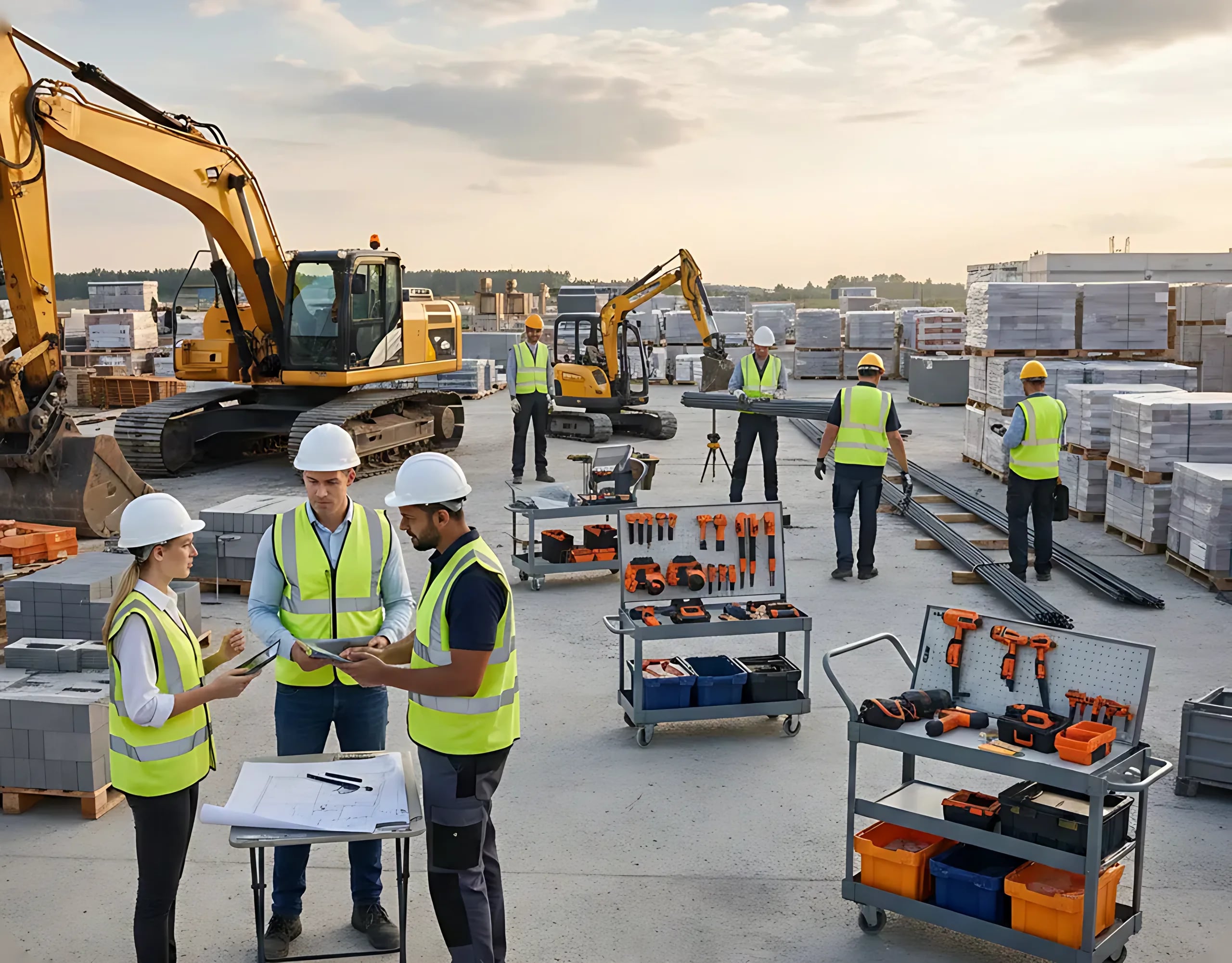
Site yard with excavators, pallets of blocks, tool carts and a team in hard hats reviewing drawings

ERP and Resources

Your Company's Resources, in One ERP

Employees, machinery, materials and warehouses, registered once at company level and brought into each project when you need them. Know what you have, where it is and where it's working.

Key Features

Everything Your Company Works With

One register for the whole company, shared by every project.

  • Employees

    Your own workforce with each person's details and trade, ready to assign to the projects.

  • Machinery and Equipment

    The fleet of machines and equipment, owned or hired, ready to assign to each site.

  • Materials Catalogue

    Your company's materials with their units, to reuse in every project.

  • Warehouses and Stock

    Stock of each material, warehouse by warehouse, always up to date.

  • Transfers and Rentals

    Move stock between warehouses and record material you rent out and get back, with its history.

  • Check-In and Check-Out

    Your team clocks in and out from the platform, and you see the day's attendance.

  1. 01Stock

    Stock You Can Trust, Warehouse by Warehouse

    See how much of each material you have in each warehouse, move it from one to another and keep the history of every movement. When material leaves on rent, it is recorded until it comes back.

    • Stock distribution across warehouses.
    • Transfers with their movement history.
    • Rentals recorded until the material is returned.
  2. 02From the ERP to the Site

    Bring Resources into the Project without Retyping

    Import the people, machines and materials of your ERP straight into the project's resources. From then on, daily reports record their hours and use, and payroll is built from the approved daily works.

    • Import from the ERP into each project.
    • Hours and use recorded in the daily reports.
    • Payroll generated from the approved work.

Workflow

From the Register to the Work Front

  1. 01

    Register

    Add your employees, machinery, materials and warehouses once.

  2. 02

    Control the Stock

    Set the stock in each warehouse and record transfers and rentals.

  3. 03

    Assign to the Project

    Import the resources each site needs into the project.

  4. 04

    Track Their Use

    Daily reports record hours, machines and materials consumed.

Frequently asked questions

Got a question? We're here to help.

Find answers about ConstrAllianz and see how our platform can transform the way you run your projects, simply and efficiently.

Talk to an expert
  • ConstrAllianz brings everything it takes to run your projects into one platform: daily reports, Gantt schedules, payment certificates, documents and invoicing. Instead of chasing information scattered across spreadsheets and emails, your site and office teams work from the same data in real time, cutting out rework and reducing budget overruns.

Run your next project on ConstrAllianz

Tell us how you work and we'll show you the platform using a project like yours.

No spreadsheets. No delays. No errors.

We multiplied our client base and cut award times by 40%. An essential tool for any construction company.
Evangeline Brooks, CEO

Prefer to talk to us?

+34 931 252 071

We'll only use it to arrange your demo.

By submitting, you agree to our privacy policy.