
Skip to content
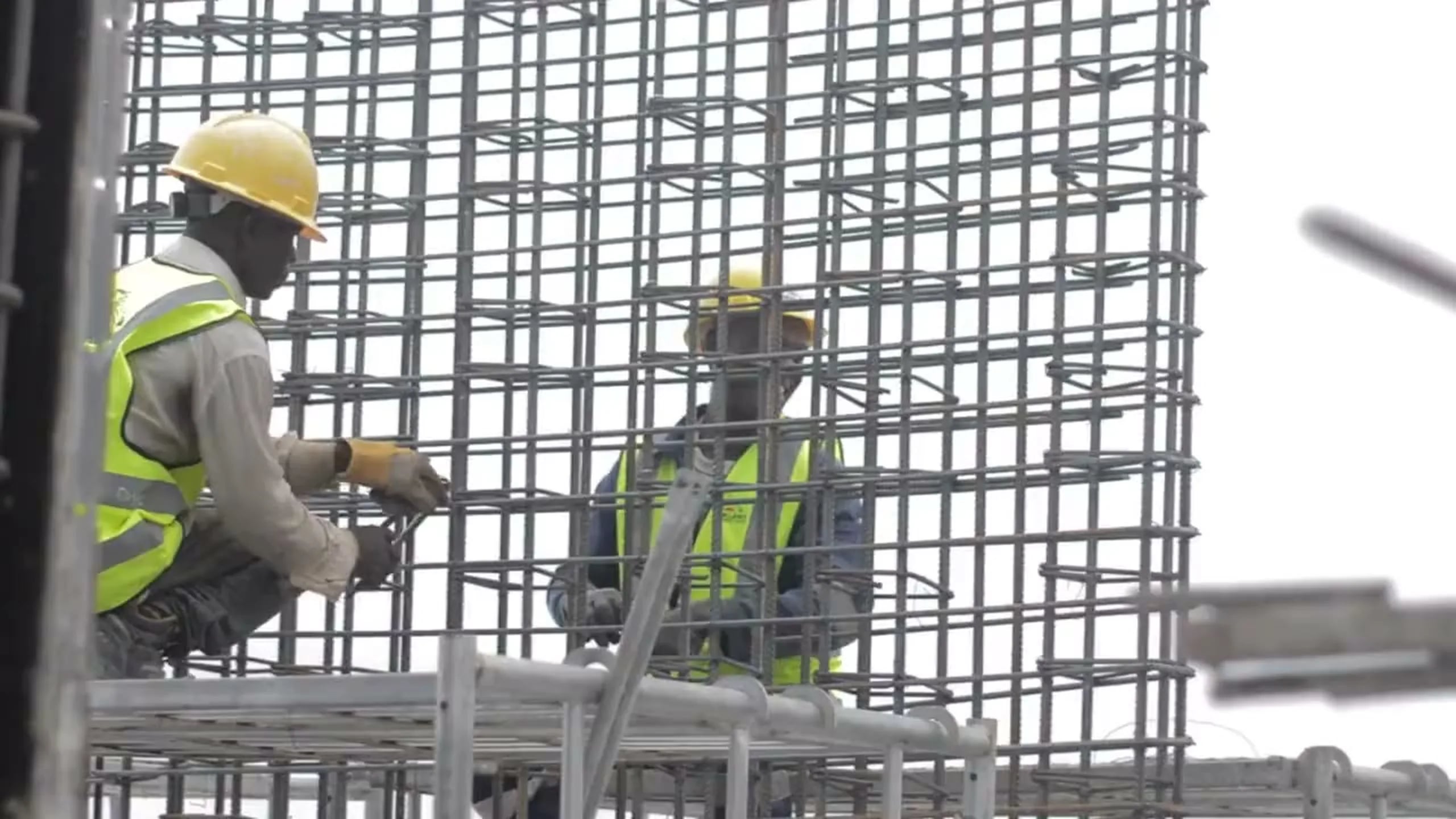
Two steel fixers in hard hats and high-visibility vests tying a reinforcement cage

Quality Control

Documented Quality, from Data Sheet to As-Built

Every material's data sheet, every non-conformity and every as-built drawing in the same project that site supervision follows. Quality stops living in folders and emails.

Key Features

Everything Quality Needs, in One Place

The contractor documents, site supervision validates and everyone sees the same record.

  • Technical Data Sheets

    Upload each material's data sheet with its code, classification and the person responsible.

  • Supervision Review

    Site supervision approves or observes each sheet, with its notes, its name and the date on record.

  • Non-Conformities

    Log each non-conformity with its description, owner, severity, deadline and photos.

  • Close-Out

    Close the non-conformity with the corrective action taken; the closing date stays on record.

  • As-Built Drawings

    The project's as-built drawings, always at hand for the handover.

  • On the Dashboard

    Open non-conformities appear as a widget on the dashboard of whoever needs to follow them.

  1. 01Non-Conformities

    Every Non-Conformity Has an Owner and a Deadline

    Record what was found with photos from the site, set its severity and the company responsible, and give it a deadline. It stays open until someone closes it with the corrective action, so nothing is forgotten between one site visit and the next.

    • Description, owner and severity in one record.
    • Photos of the defect attached to the report.
    • Closed with its resolution notes and date.
  2. 02Site Supervision

    Supervision Validates in the Same Project

    Site supervision works in the project itself, not in a copy. It reviews each data sheet, approves it or leaves its observations, and the contractor sees the answer straight away, with who reviewed it and when.

    • Approval or observations on every sheet.
    • Reviewer and review date on record.
    • The same record for contractor and supervision.

Workflow

Quality, Step by Step

  1. 01

    Upload the Data Sheet

    The contractor uploads the material's sheet with its code and classification.

  2. 02

    Supervision Reviews

    Site supervision approves it or leaves its observations.

  3. 03

    Log the Non-Conformity

    Anything found on site is recorded with photos, severity and a deadline.

  4. 04

    Close and Hand Over

    Corrective action, close-out and as-built drawings ready for the handover.

Frequently asked questions

Got a question? We're here to help.

Find answers about ConstrAllianz and see how our platform can transform the way you run your projects, simply and efficiently.

Talk to an expert
  • ConstrAllianz brings everything it takes to run your projects into one platform: daily reports, Gantt schedules, payment certificates, documents and invoicing. Instead of chasing information scattered across spreadsheets and emails, your site and office teams work from the same data in real time, cutting out rework and reducing budget overruns.

Run your next project on ConstrAllianz

Tell us how you work and we'll show you the platform using a project like yours.

No spreadsheets. No delays. No errors.

We multiplied our client base and cut award times by 40%. An essential tool for any construction company.
Evangeline Brooks, CEO

Prefer to talk to us?

+34 931 252 071

We'll only use it to arrange your demo.

By submitting, you agree to our privacy policy.